AI image generation has become an important part of modern content creation, helping marketers, designers, business owners, and everyday users turn ideas into visual content. Instead of creating every graphic manually, users can describe what they want and use AI tools to explore different creative directions. This has made image generation useful for social media campaigns, product presentations, blog illustrations, and advertising materials.
For anyone exploring how to make chatgpt generate multiple images at once, the key is to distinguish between requesting several distinct images and creating multiple versions of one concept. Both approaches can save time, but they serve different purposes. Choosing the right method depends on the complexity of the project, the level of visual consistency required, and the amount of control needed over each result.
Understanding How Multiple Image Generation Works
Generating multiple images can mean several different things. A user might want four variations of the same advertisement, a collection of illustrations for a blog post, or a series of product visuals with different backgrounds. These requests may appear similar, but each requires a different approach to planning and reviewing the results. Defining the desired output before starting helps determine whether one combined request or several smaller requests will be more effective.
The available generation options can also differ between products, interfaces, and model configurations. A tool may offer multiple outputs in a particular workflow, while another may generate one result at a time. Users should check the capabilities of the interface they are using instead of assuming that a specific number of images is always guaranteed. This distinction matters when planning deadlines, estimating workload, or preparing assets for a campaign with many deliverables.
Multiple Images Versus Multiple Variations
Multiple images are not necessarily the same as multiple variations. If a business needs a product photo, a promotional poster, and a blog illustration, each image has a separate purpose and may require its own composition. In contrast, variations usually explore different treatments of the same underlying idea, such as changing the lighting, background, camera angle, or color palette. Recognizing this difference makes the instructions clearer and improves the usefulness of the resulting collection.
For example, a coffee brand could request several visual concepts for a seasonal campaign. One image might emphasize the packaging, another could show a cup in a cozy setting, and a third might focus on ingredients or preparation. Alternatively, the brand could ask for several versions of one hero image with different backgrounds. The first approach explores different campaign assets, while the second supports comparison and selection within a single visual direction.
How to Prepare a Request for Several Images
A good multi-image request starts with a clear description of the overall objective. Users should identify the subject, intended audience, visual style, and purpose of the images before explaining how the outputs should differ. This gives the generation process a consistent foundation and reduces the chance of receiving unrelated results. When the task includes several distinct images, describing each image’s individual role can be more effective than giving one broad instruction.
It is also helpful to specify which elements must remain consistent across the collection. A campaign might require the same product appearance, brand colors, lighting style, or general atmosphere in every image. Other elements, such as the setting, composition, and supporting objects, can vary to create useful alternatives. Separating fixed requirements from flexible creative choices makes the request easier to understand and gives users a more practical basis for evaluating the outputs.
Choosing Between One Request and Separate Requests
One combined request may be convenient when the images belong to a closely related set. For instance, a creator developing a collection of editorial illustrations may want several scenes with the same artistic style. Keeping the task within a shared creative brief can help establish continuity and reduce the need to explain the overall direction repeatedly. However, the actual number of images produced will depend on the tool’s supported capabilities and the way the request is processed.
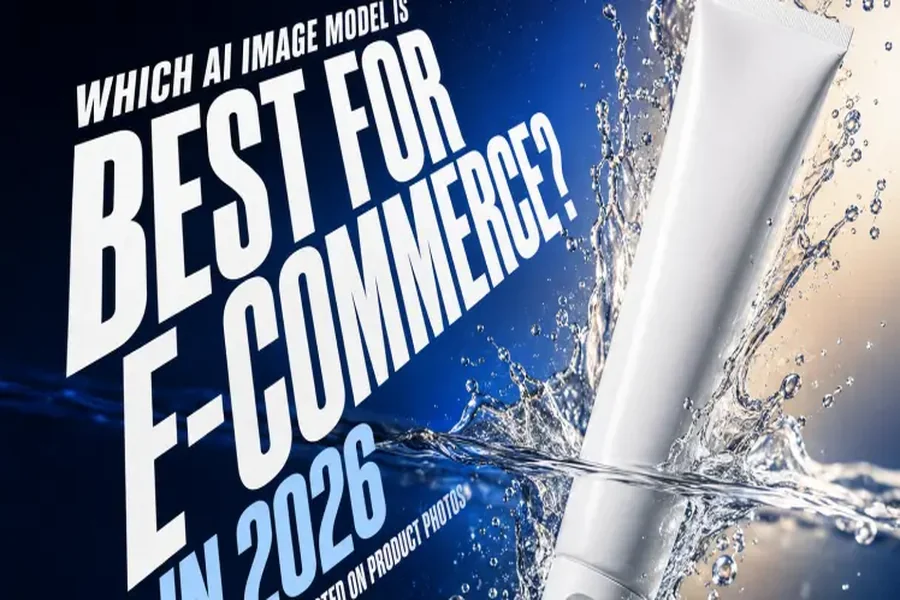
Separate requests can be preferable when each image has different requirements or when precise control is important. A product image for an ecommerce listing may need a clean background and accurate packaging, while a social media advertisement might require more dramatic lighting and space for promotional copy. Handling these tasks independently allows the user to adjust the instructions for each purpose. It can also make revisions easier because changing one asset does not require reconsidering the entire collection.
Maintaining Visual Consistency Across a Collection
Visual consistency is one of the biggest challenges when creating multiple AI-generated images. Even when the instructions are similar, results can differ in lighting, perspective, color balance, and the appearance of important objects. These differences may be acceptable when exploring creative concepts, but they can become distracting when the images are displayed together. A campaign intended to look unified therefore needs a clear visual direction from the beginning.
A practical approach is to establish a small set of shared guidelines before generating the images. These might include a defined color palette, a consistent lighting approach, similar framing, and a clear description of the product or subject. Users can then identify which aspects should change for each image and which should remain stable. After generation, comparing the images side by side helps reveal inconsistencies that may not be obvious when viewing each result separately.
Using AI Images for Marketing and Social Media
Marketing teams often need a steady supply of visuals for different platforms and campaign stages. A single campaign might include an introductory graphic, a product-focused image, a promotional visual, and a reminder post. AI image generation can support this workflow by helping teams explore creative directions and prepare concepts more quickly. The most useful results come from matching each visual to a specific communication goal rather than producing images simply to increase quantity.
Social media platforms also place different demands on visual content. A graphic designed for a square post may not work equally well in a vertical story or a wide banner. Before generating a collection, users should consider the destination and dimensions of each asset, including where text or interface elements might overlap the image. Creating platform-specific versions can improve readability and composition, even when the visuals share the same campaign identity.
Understanding Model Options and API-Based Workflows
Users who need greater control over image-generation workflows may also explore model-based services and APIs. These can provide a different way to integrate image generation into applications, internal tools, or automated content processes. The available controls, output limits, supported formats, and pricing depend on the specific provider and model. For this reason, users should review the relevant documentation before choosing a service for a production workflow.
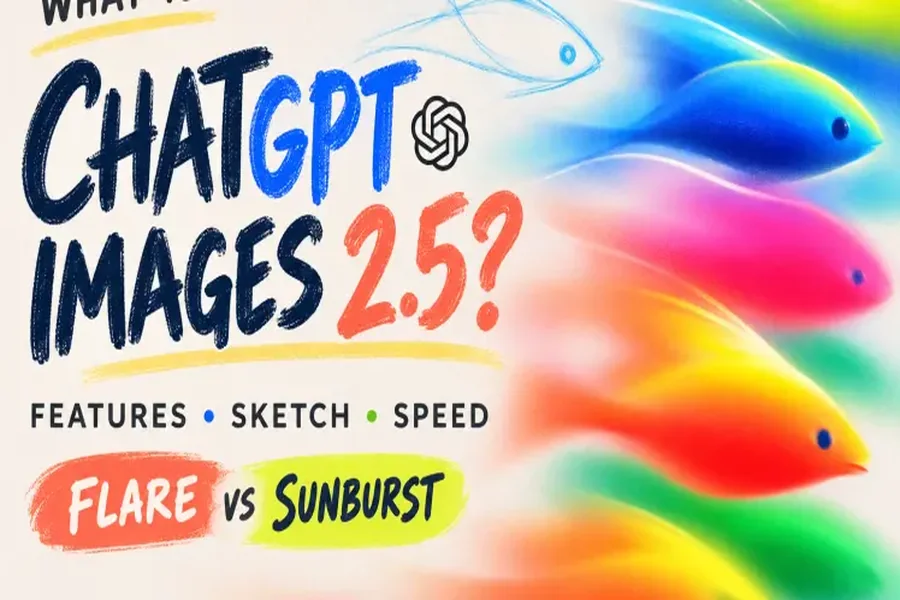
One option users may encounter is gpt image 2.5 sunburst api. Before using any model or API, it is important to verify its current capabilities, access requirements, and supported parameters through the provider’s documentation or model page. The name alone does not establish whether a service supports a particular batch size, simultaneous requests, or specific editing features. Confirming these details helps developers select an appropriate solution without relying on assumptions.
Planning Image Generation for Larger Projects
Projects that require dozens or hundreds of images need more planning than a small creative task. A team may need to organize image descriptions, define output dimensions, track completed generations, and record which versions have been approved. Without a structured process, it becomes easy to lose track of revisions or publish an outdated asset. A consistent naming system and a simple review checklist can make the workflow easier to manage.
For API-based workflows, developers should also consider rate limits, request failures, processing time, and cost. Sending many requests together does not necessarily mean every request will finish simultaneously or succeed without errors. A reliable workflow should handle unsuccessful requests, track results, and allow individual images to be regenerated when necessary. Testing with a small batch before scaling up can reveal technical limitations and help establish realistic expectations for larger projects.
Evaluating Quality Before Choosing the Final Images
Generating more images creates more opportunities to find a strong result, but it also increases the amount of reviewing required. Each image should be checked for relevance, composition, visual quality, and alignment with the original objective. If the image contains a real product, its details should be accurate. If it contains text, names, prices, or event information, those details should be checked carefully rather than accepted simply because the overall design looks convincing.
A comparison process can make selection more objective. Teams can assess each image according to a few consistent criteria, such as clarity, brand alignment, originality, and suitability for its intended platform. Images that look visually impressive but fail to communicate the required message should not automatically be preferred. The goal is to choose the assets that perform the intended job, not merely the ones that appear most elaborate.
Making Multiple Image Generation More Efficient
Efficiency comes from reducing unnecessary repetition while preserving control over quality. Reusable creative briefs, reference images, consistent naming conventions, and clear evaluation criteria can help teams work faster. Instead of rewriting every instruction from scratch, users can maintain a shared foundation and adjust the details that matter for each image. This is particularly useful for recurring campaigns and projects that require a recognizable visual identity.
The best workflow depends on the task. A casual user may be satisfied with exploring a few alternatives directly in a chat interface, while a marketing team may need a more organized process for approving assets. Developers working with APIs may require additional automation, error handling, and monitoring. By matching the method to the scale and complexity of the project, users can make image generation more manageable without sacrificing accuracy or creative quality.