
SWATCH CATALOG, SPECIAL EDITION: colors that don’t actually exist in any hardware store, applied to a room that definitely does. There’s a specific kind of visual satisfaction in watching a room shift color entirely — walls pulsing from deep blue to warm amber, light bending in ways no real paint job could achieve.
Pippit’s SeedAudio 1.5 model lets creators build that exact surreal transformation, pairing the shifting visuals with an atmospheric soundscape that makes the whole effect feel genuinely immersive rather than just a color filter.
Since this concept is basically a very strange paint catalog, let’s flip through it that way.
Swatch one: why color-shifting spaces feel so hypnotic
Static color is something the brain processes quickly and moves past; slowly shifting, saturated color holds attention in a completely different way, which is part of why this effect performs so well as ambient, hypnotic content people leave running in the background.
Swatch two: what makes a room work for this effect
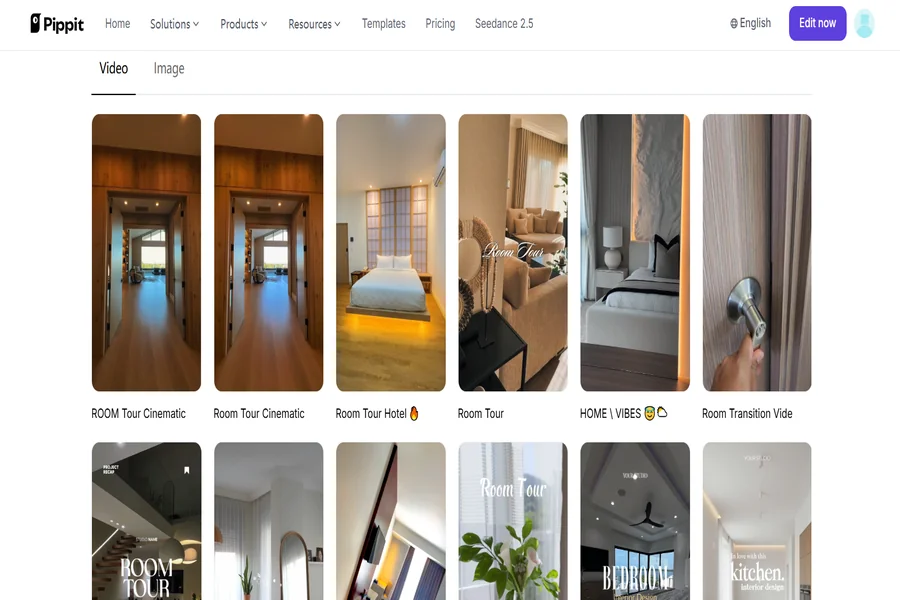
- A simple, uncluttered room with clear wall surfaces and minimal competing detail.
- Good baseline lighting in the original photo, since the color shift needs a clean foundation.
- A space with some depth — furniture, doorways — that gives the color shift somewhere to catch and reflect.
- A single consistent camera angle, which keeps the transformation feeling like one continuous space rather than a jump cut.
Swatch recommendations: building a full color-mood series
- Pair specific color palettes with specific moods — cool blues for calm, warm ambers for cozy, deep reds for intensity.
- Keep room selection varied across a series — bedroom, living room, studio space — for visual variety.
- Use this format as looping background content for streams or ambient playlists.
Consider pairing with Pippit’s talking photo feature for a brief narrator moment introducing the “collection” at the start of a series.
Swatch three: generating the transformation
Step 1: Upload your room photo and write a time-stamped prompt
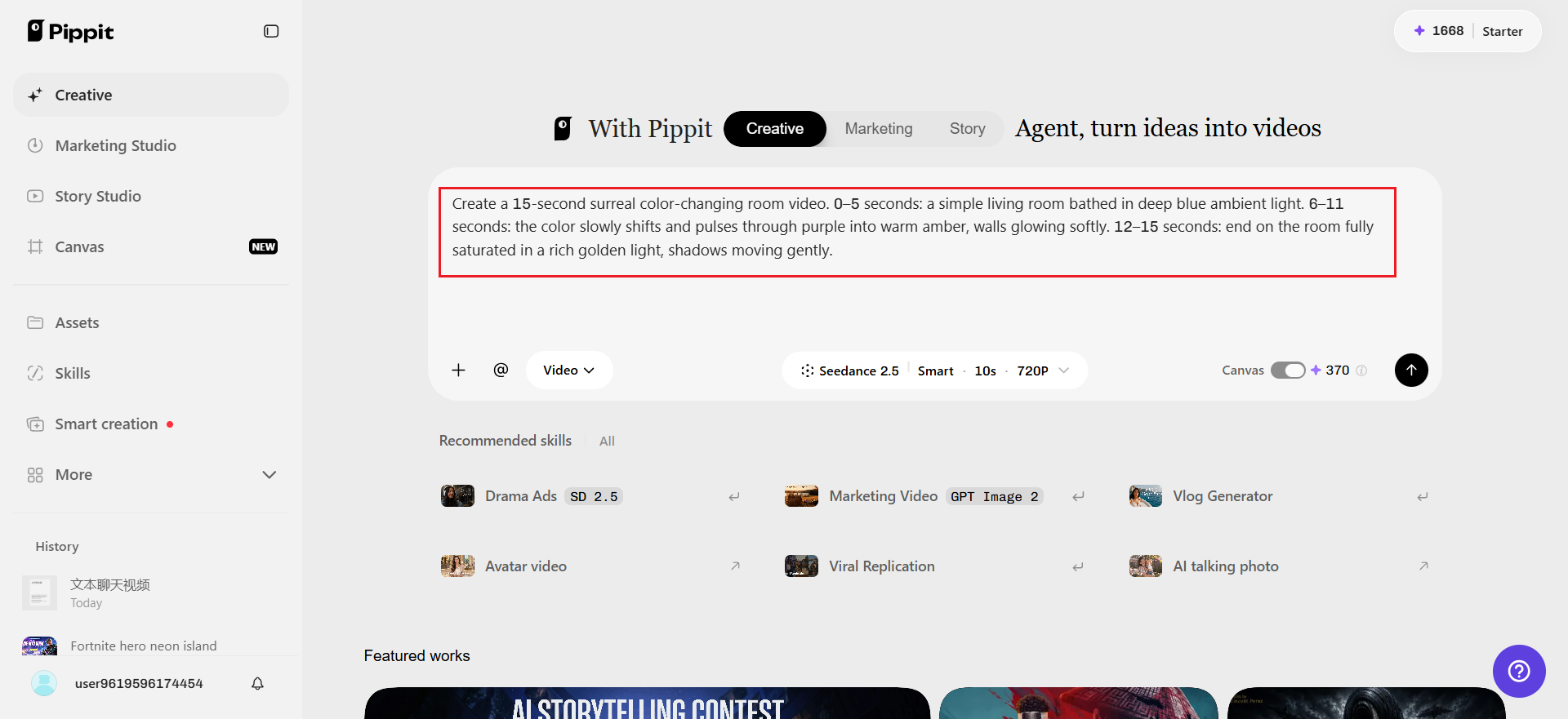
Open Pippit’s Video Generator, select Seedance 2.5, and upload a photo of the room. Write a time-stamped prompt describing the color shift.
For example: Create a 15-second surreal color-changing room video. 0–5 seconds: a simple living room bathed in deep blue ambient light. 6–11 seconds: the color slowly shifts and pulses through purple into warm amber, walls glowing softly. 12–15 seconds: end on the room fully saturated in a rich golden light, shadows moving gently.
Step 2: Checking the shift feels smooth
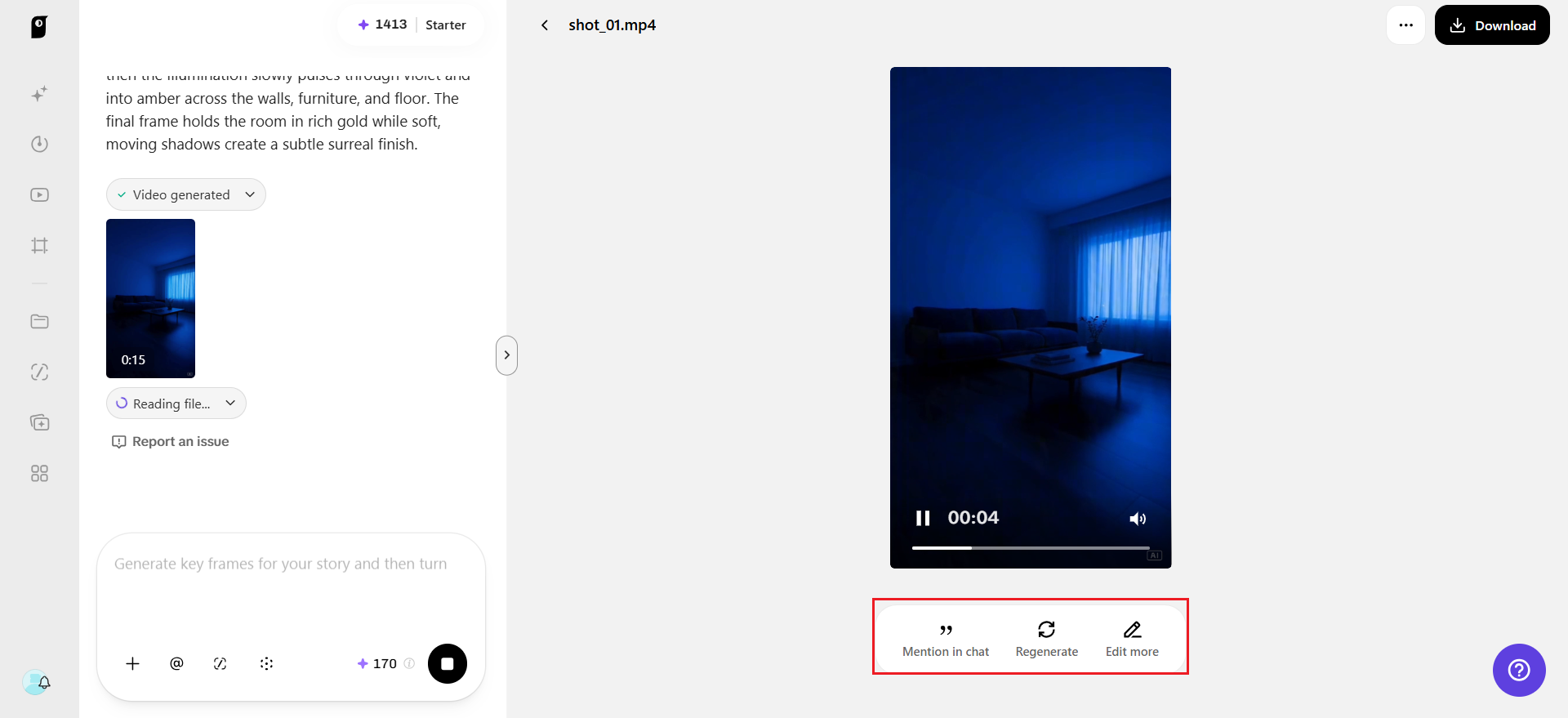
Review the draft against how fluid the color transition actually looks — does it shift gradually and convincingly, or does it jump too abruptly between colors? Adjust the prompt to slow the transition if it feels jarring.
Step 3: Extending the sequence, then finishing
If the room deserves a longer color journey through more than two or three tones, use the extension feature to continue the shift without regenerating the earlier footage. Export at the resolution needed for an ambient content account, a looping background video, or a creative art piece.
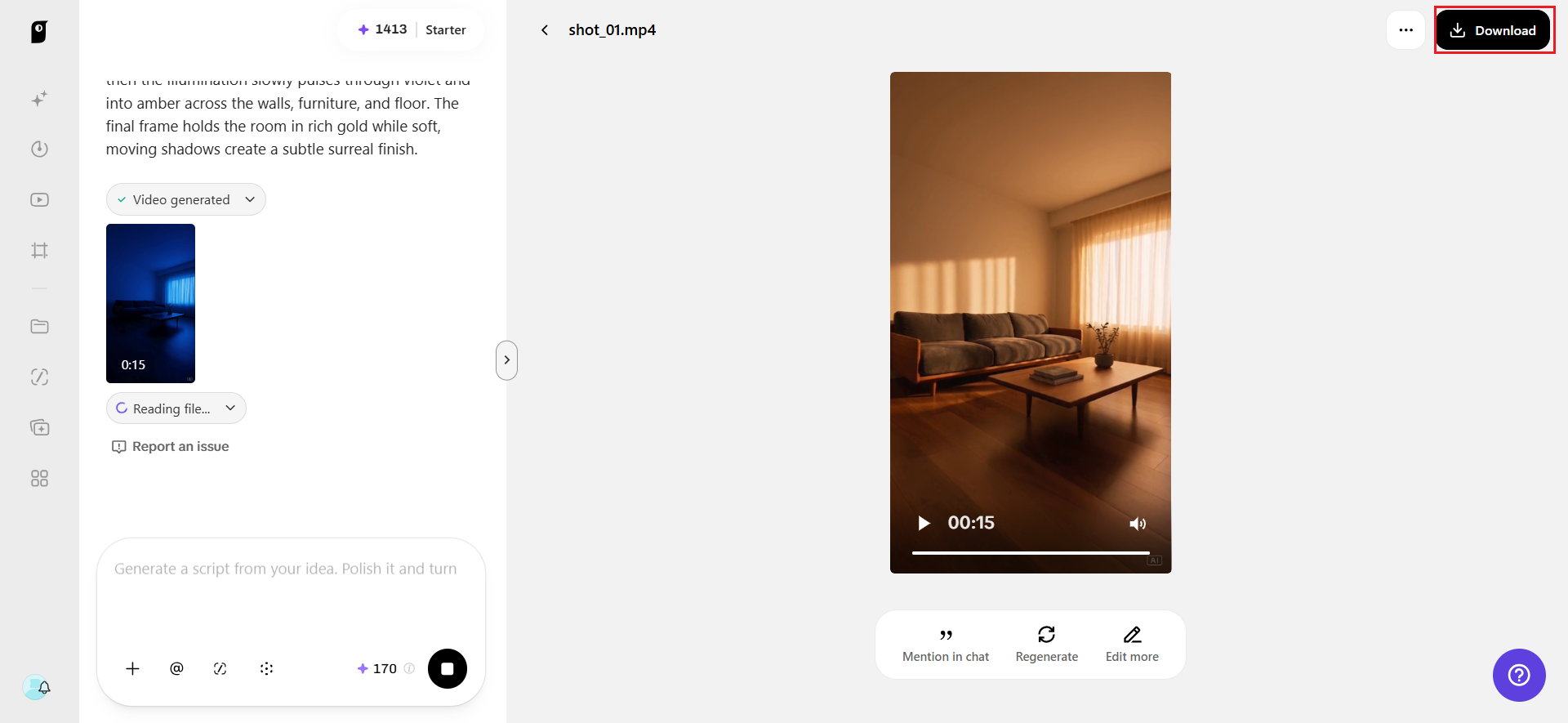
Mixing the soundscape with SeedAudio 1.5
A shifting room of color feels noticeably more immersive with matching sound, and this is where SeedAudio 1.5 adds real depth. It can generate an ambient tonal hum that shifts in pitch and intensity alongside the color transition, using timestamp placement so the sound’s mood actually tracks with each new hue rather than staying static throughout.
Keeping the mix adjustable for looping content
Since dialogue, ambience, and music arrive as separate tracks, a creator building a looping ambient video can isolate just the tonal hum and extend or loop it independently, without needing to regenerate the visual component every time the audio needs adjusting.
Swatch four: using furniture as a color anchor
A single piece of furniture that stays visually consistent while the surrounding light shifts gives viewers something stable to focus on, which actually makes the surrounding color transformation feel more dramatic by contrast.
Swatch five: pacing for a looping video
For content meant to loop continuously, ending the color sequence on a tone close to where it began makes the loop feel seamless rather than jarring, which matters significantly for ambient or background-style content meant to play on repeat.
Swatch six: testing color combinations before committing
Running a few quick variations with different color pairings — blue-to-amber versus purple-to-green, for instance — before settling on a final version helps identify which combination actually produces the most hypnotic, satisfying transition for a specific room’s architecture.
Swatch seven: pairing the effect with a specific activity
Framing the color-shifting room as a backdrop for a specific activity — studying, meditating, falling asleep — gives the ambient content a clearer purpose and makes it easier for viewers to know exactly when and why they’d want to play it.
Color theory notes: why certain transitions feel more satisfying
Not all color sequences are equally hypnotic, and the difference often comes down to basic color theory rather than taste alone. Transitions that move through adjacent hues on the color wheel — blue drifting into purple, then into pink — tend to feel smooth and continuous, almost meditative, because the eye doesn’t have to adjust dramatically between each stage.
Transitions that jump between complementary or opposite colors — blue straight to orange, for instance — read as more jarring and energetic, which can work well for content meant to feel more intense or attention-grabbing rather than calming.
Closing the catalog
Some of the most mesmerizing content online isn’t about anything happening at all — it’s just color, light, and mood shifting slowly enough to hold attention without demanding it. With SeedAudio 1.5 and Seedance 2.5 inside Pippit, that effect is buildable from a single room photo.
Next time a space feels like it’s missing something, it might be worth opening Pippit and letting it glow.